

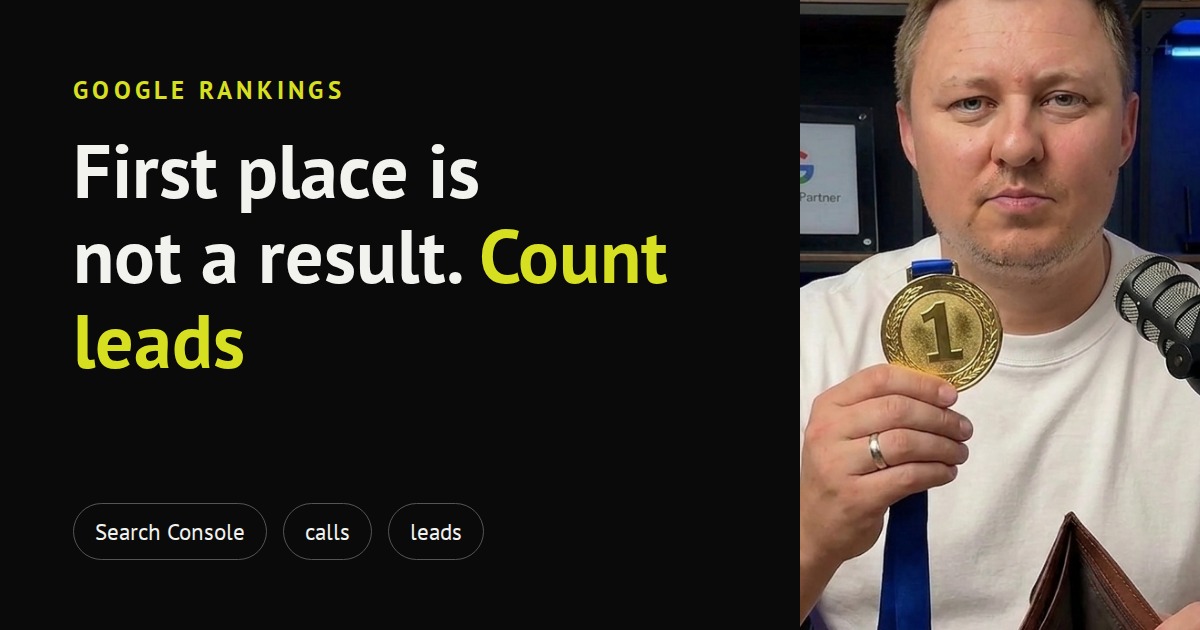
Your contractor sends a report: “We’re in third place on Google.” Sounds good. But are calls and leads growing? If the answer is “I don’t know” or “no”, the ranking in the report is a nice number you did not get a single hryvnia for. Below: why this happens, what changed in Google’s results themselves, and what you can check without a marketer in ten minutes.
We checked the facts against Google’s help and primary sources on 27 October 2026. Menu names depend on the interface version and may differ slightly.
1. A ranking is a place in a list, not money
A ranking shows where your site stands in the list of results for a query. In Search Console (a free Google service that shows how your site appears in search), the help defines “average position” as the position of the topmost result from your site. So it is one number across many different queries: those customers use to find you and random ones.
It says nothing about three things you pay for:
- whether the person clicked at all;
- whether they called or wrote;
- whether they became a customer.
You can be third for a query nobody types, or first for a query that brings students instead of buyers. A ranking in a report looks like a result, but in fact it is only a diagnostic: it helps explain why traffic moves, and no more.
2. What changed: an AI answer now often sits above the list
Google shows a short AI-written summary above the regular results (it is called AI Overviews). According to Ukrainian media, it has worked in Ukraine since May 2025. Google itself wrote on 20 May 2025 only that it was expanding the feature to more than 200 countries and territories and more than 40 languages, and did not name Ukraine separately. So we write “since May 2025” based on press reports, not on a Google statement.
What about clicks. The sources disagree here, so we show both sides.
Data on falling clicks. Ahrefs updated its study on 4 February 2026: it took 300,000 keywords and compared December 2023 with December 2025 using aggregated Search Console data (desktop). For queries with an AI summary above the results, the click-through rate of the page in first place fell from 0.073 to 0.016, roughly 58%. For positions 2–10 the drop is smaller: about 51% for second place, about 19% for tenth. A Pew Research Center study (US, 2025): when an AI summary appears above the results, people click a regular result in 8% of visits, versus 15% without it.
What Google says. In its help for site owners, Google writes that pages appearing in AI features are included in the overall search traffic in Search Console and are reported in the same performance report, under the “Web” search type. Google also says clicks from AI summaries are “higher quality” and notes that the summary often does not appear.
What this means for you. The Pew study is about the US, and Ahrefs does not break its data down by Ukraine, so we have no Ukrainian numbers of our own. So do not trust any general number, including those circulating on social media: check your own site. That is how you can tell whether an AI summary has “eaten” your clicks: the same rankings, fewer visitors.
We also leave out the popular figure “20–40% traffic loss at the same positions after the June 2025 update”. Drops of 20–50% were indeed recorded in some samples, but mostly on news sites and sites with filler content, and nobody has shown it was purely “at the same positions”.
3. What to check yourself in ten minutes
Clicks versus last year
Open Search Console (if your site is not there yet, whoever manages the site adds it; it is free). Find the performance report for search results: in Google’s help it is called “Performance report (Search results)”. The exact menu item name in your interface may differ, so look for the words “Performance” and “Search results”.
Then:
- Pick the last 3 months and compare with the same period last year (the date setting has “Compare”). Compare with last year, not last month, because of seasonality.
- Turn on the “Clicks”, “Impressions” and “Average position” metrics.
- See whether the position is the same while clicks are lower. If so, an AI summary or another change in the results is “eating” your traffic, and a report that boasts only a ranking shows you half the picture.
- Look separately at queries with and without your business name. Growth in clicks for your business name may come from advertising or word of mouth, not from the site climbing in search.
Calls and leads
This is the most important part: count enquiries, not visitors. Go to Google Analytics (the report on site visitors), the key events section, and see how many submitted forms and enquiries there were in the same period. For calls, remember that a click on a phone number on the site is not a conversation. The Google forwarding number that counts calls itself is unavailable in Ukraine (the country is not on the list in Google’s help), so real conversations are counted by a separate number for ads or by your own record in your phone and CRM. We covered what your ads count as a lead in a web analytics checklist.
4. What people disagree on: whether rankings belong in a report
There is no single opinion here, and the honest thing is to show both sides.
- Some practitioners keep rankings as a mandatory report metric: rankings for a pre-built list of queries give a clear number that is easy to compare with competitors. Some advise judging by them because traffic is distorted by seasonality.
- Others advise reporting differently: non-brand traffic, leads and the share of search among all sources, keeping rankings as a diagnostic. A ranking cannot be guaranteed, and judging by rankings makes sense only when the query list is narrow and you are sure those queries bring customers.
We lean toward the second camp, but we do not discard the first: a ranking is useful as a seasonal correction (compare year to year) and to explain why traffic changed. It is just that you pay for the bottom level: revenue and leads.
5. What should be in a contractor’s report
Let a report on the site or SEO have three levels, with leads first:
- Money and leads: calls, submitted forms, sales, if they can be counted.
- Traffic: clicks from search excluding queries with the business name, compared with last year.
- Diagnostics: rankings, impressions, visibility in search.
If a report starts with the third level and ends there, with no first level at all, there is one question for the contractor: “how many enquiries did this bring?” It is not an accusation. It is what you pay for.
From our practice
The advertising reports we send clients have no “position” line. They have spend, clicks, impressions, conversions, cost per conversion and, for stores, revenue and ROAS. The reason is simple: in advertising you pay for clicks, and a place in the list does not answer “did it pay off or not”. SEO follows the same logic, only the payment is spread over time.
We also advise that when discussing site reports you do not stop at “traffic grew” but ask where exactly it came from. This helps avoid mistaking growth in brand queries for growth from SEO. More on choosing between ads and SEO in our comparison of Google Ads and SEO, and on how to read an ad report in the report glossary.
Summary
- A ranking pays nothing by itself: it is a place in a list, not a call or a lead.
- An AI answer now often sits above the results. Studies show falling clicks, Google writes about “higher quality” clicks, and there is no Ukrainian data. Check your own site.
- In Search Console, compare clicks with last year and see whether rankings stand still while clicks fall.
- What matters most is calls and leads from the site: that is what you pay for.
- Ask your contractor for a report with leads first, then traffic, then rankings.
See how we set up and evaluate advertising in the Google Ads for business section.
Want a free audit of your Google Ads account? Send us a request: we’ll look at your account and tell you what counts as a lead there and whether it matches real calls.